Best AI Tools for Freelancers and Entrepreneurs in 2026
If you’re a freelancer or small business owner, 2026 is the year AI stops being “nice to have” and becomes your quietest—but most productive—team member. The right stack will help you research faster, draft sharper, design on-brand, ship video in a day, automate back-office busywork, and nudge prospects at the perfect moment. The catch? There’s now a lot of choice.
This guide curates the best AI tools for freelancers and entrepreneurs in Australia—grouped by real-world outcomes (research, writing, design, video, code, automation, sales, and ops). You’ll get quick picks, use cases, stack recipes, buyer tips, and lightweight governance so you can move fast without creating a tech tangle.
How we select: We prioritise reliability, utility-to-cost ratio, ecosystem fit, learning curve, and data controls. We also consider momentum and active development to keep your stack future-proof.
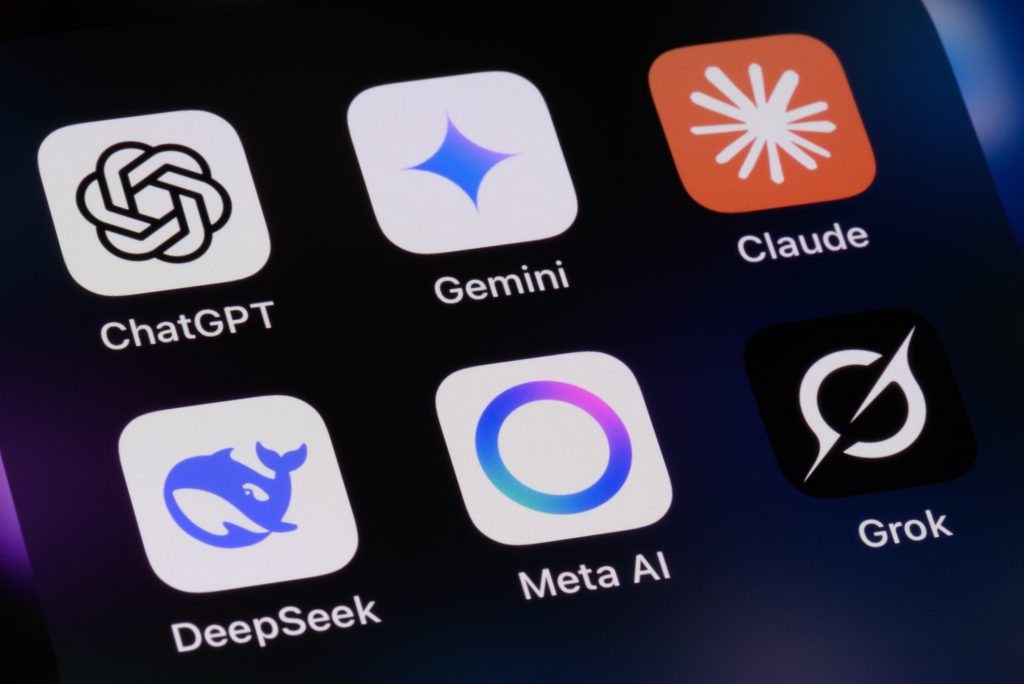
- All-purpose assistants (chat, plan, draft, analyse): ChatGPT, Claude, Gemini, Microsoft Copilot. (ChatGPT)
- Research & AI search: Perplexity for cited web answers; Gemini for Google-connected context. (Perplexity AI)
- Brand & design: Canva Magic Studio; Adobe Firefly for commercially safe generation. (Canva)
- Images & visuals: Midjourney (artistic ideation), Adobe Firefly (rights-aware), Runway (image/video). (Midjourney)
- Video & podcast: Runway (text-to-video), Descript or similar (edits, overdubs). (Runway cited) (Runway)
- Automation & agents: Zapier (AI workflows, agents) for connecting your apps. (Zapier)
- Code & tech: GitHub Copilot for pair programming and refactors. (GitHub)
1) All-Purpose AI Assistants (the “Swiss Army Knife”)
ChatGPT (everyday ideation, drafting, structured analysis)
Great for brainstorming client proposals, generating first-draft copy, summarising PDFs, building tables, and turning messy notes into action plans. Strong ecosystem of modes (text, image, voice) and workspaces. If you only buy one tool, make it your primary assistant. (ChatGPT)
Claude by Anthropic (long-form reasoning, careful tone)
Known for balanced, helpful responses and handling long context windows—handy for policy, contracts, and complex briefs. Many users prefer its tone for client-facing drafting. (Anthropic)
Google Gemini (excellent Google ecosystem fit)
Gemini connects across Gmail, Calendar, Drive, Maps, and YouTube, making task hand-offs seamless: draft emails from docs, pull dates from calendar, or spin up ideas from your Drive. If your world is Google-centric, start here. (Gemini)
Microsoft Copilot (Microsoft 365 native)
If you live in Word/Excel/PowerPoint/Teams, Copilot slots right into your daily flow and respects enterprise-grade security and compliance—ideal for consultants working with corporate clients. (Microsoft)
2) Research & Competitive Analysis
- Perplexity: Fast, cited answers that show sources—great for market scans, competitor pages, and pulling supporting links for blogs or decks. Use “Deep Research” for multi-step queries. (Note: headlines recently flagged legal debates around training data; always verify sources.) (Perplexity AI)
- Gemini: Smooth retrieval from your Google life (Docs, Gmail, Drive) plus web context—handy for building briefs with your own materials. (Gemini)
Workflow: Ask your assistant to propose a research plan → run Perplexity to collect cited links → paste into your assistant for synthesis → save the outline in Docs/Notion.
3) Writing & Content Creation
- ChatGPT / Claude: Draft articles, proposals, video scripts, email sequences, and course outlines. Have them produce a structure first, then expand. (ChatGPT)
- Canva Magic Write: Quick social captions, post variations, and creative prompts directly in your design canvas. (Canva)
- Jasper / Copy-focused tools: If you need role-based templates (ads, AIDA, PAS), consider specialised copy platforms; integrate with your CMS for speed.
Quality control: Always run a human pass for brand voice, Australian spelling, and claims verification. Keep a style guide and a banned-phrases list in your project wiki.
4) Branding, Design & Visual Identity
- Canva Magic Studio: A one-stop kit for non-designers—brand kits, Magic Design, Magic Write, and image/video generation inside a familiar interface. Ideal for pitch decks, socials, and print assets. (Canva)
- Adobe Firefly: Commercially safe generation with strong Creative Cloud integration. Great if you or your designer live in Photoshop/Illustrator/Express. (Adobe)
- Midjourney: Top-tier ideation for stylised, artistic imagery—moodboards, hero visuals, and concept art. (Midjourney)
5) Image & Video Creation (Shorts, Ads, Explainers)
- Runway: Text-to-video and image-to-video with rapid iteration—perfect for product teasers and B-roll. Recent model updates focus on accuracy and realism. (Runway)
- Adobe Firefly (video & image): Generate and edit assets with rights-aware defaults, then finish in Premiere/After Effects. (Adobe)
- Descript / Similar: Script-like editing for podcasts and talking-head content, overdubs for quick fixes (always obtain consent).
6) Marketing, Sales & CRM
- Email & sequences: Use your assistant to draft nurture flows. For in-inbox work, Gmail + Gemini or Outlook + Copilot streamline responses. (Gemini)
- AI chatbots & lead capture: Build a simple site bot, connect it to FAQs and a lead form; route qualified leads to your CRM.
- Copy testing: Have your assistant generate 3–5 variations; A/B them in your email tool or landing page platform.
- AI search for content planning: Perplexity helps find cited angles and sources; add your unique insight on top. (Perplexity AI)
7) Automation & AI Agents (Your “Doers”)
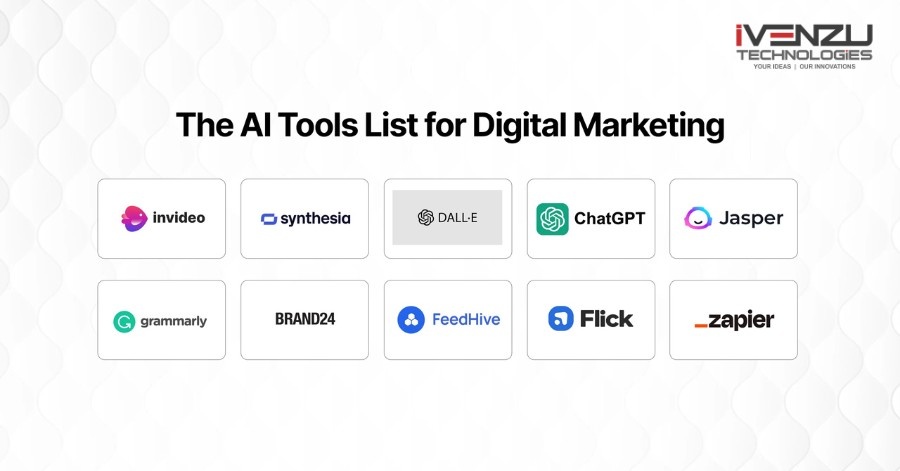
- Zapier (AI + workflows + agents): Orchestrate tasks across thousands of tools with AI steps and agents—e.g., “When a Typeform lead arrives, enrich it, draft a reply, schedule a call, and update the CRM.” Zapier now emphasises AI steps and autonomous agents alongside classic zaps. (Zapier)
- Make (Integromat): Visual builder for complex scenarios; complements or replaces zaps when you need branching and data transforms at scale.
Starter automations (copy/paste goals):
- Lead-to-invoice: Form → CRM → proposal draft → e-signature → invoice.
- Content pipeline: Perplexity links → draft outline → Canva templates → schedule posts.
- Client onboarding: Signed proposal → kickoff email → folder/board build → task templates.
8) Code, Tech, & No-Code Apps
- GitHub Copilot: Excellent for freelancers building client apps or websites—generate functions, tests, and refactors inside VS Code or your IDE. (GitHub)
- Framer / Webflow (AI-assisted sites): Ship polished sites with AI layout suggestions and component generation; great for portfolio pages and lightweight product sites.
- Airtable / Notion: Use AI to summarise, tag, and convert records to readable docs or SOPs.
9) Meetings, Notes, and Knowledge
- Transcription & meeting notes: Otter, Fathom, or Teams/Meet built-ins. Summarise key decisions and action items.
- Loom-style async video: Record quick walkthroughs; use AI to auto-title, chapter, and create bite-sized clips.
- SOPs & process docs: Ask your assistant to turn call transcripts into checklists and client-ready summaries.
10) Rights, Privacy & Client Trust
- Commercial safety: Where possible, use tools positioned for commercial use (e.g., Adobe Firefly). For client assets, confirm licence terms. (Adobe)
- Data hygiene: Avoid pasting sensitive data into consumer models unless you’ve enabled enterprise controls or a zero-retention mode.
- Attribution & sources: If you publish research, prefer tools that provide citations (e.g., Perplexity) and always verify. (Perplexity AI)
Stack Recipes (Plug-and-Play)

A) Solo Creator Starter (under 2 hours to set up)
-
- Assistant: ChatGPT or Claude
- Design: Canva Magic Studio
- Video: Runway + Descript
- Automation: Zapier (lead routing, content posting)
- Docs/PM: Notion or Google Workspace + Gemini
Why it works: One assistant for thinking, one canvas for output, one path to ship video, one backbone for ops. (ChatGPT)
B) Consultant Pro (client-facing polish)
-
- Assistant: Claude (long context for briefs) + Copilot (Office)
- Research: Perplexity (links you can cite)
- Design: Adobe Firefly (commercial safety)
- Automation: Zapier (proposal → contract → invoice)
Why it works: Trusted enterprise stack + credible research outputs + rights-aware visuals. (Anthropic)
C) Maker/Developer
-
- Assistant: ChatGPT (multimodal brainstorming)
- Code: GitHub Copilot
- Site: Framer/Webflow
- Automation: Make/Zapier
Why it works: Speed from idea to prototype with strong IDE support. (ChatGPT)
Buying Guide: What to Consider Before You Subscribe
- Primary work environment: Google vs Microsoft? Choose Gemini or Copilot accordingly. (Gemini)
- Content footprint: If your revenue is content-heavy (YouTube, socials, blogs), prioritise design/video tools (Canva, Runway) over niche extras. (Canva)
- Collaboration: Need client approvals and versioning? Favour tools with shared spaces and permissions.
- Data & rights: Prefer vendors with clear commercial usage policies (e.g., Adobe Firefly). (Adobe)
- Automation ROI: Start with one or two high-frequency workflows—e.g., lead capture → CRM → email draft—then expand. (Zapier)
Practical Prompts You Can Reuse
- Proposal first draft:
“You’re a management consultant for SMEs in Australia. Draft a 2-page proposal for a [deliverable], including scope, timeline, inclusions/exclusions, and a clear CTA. Use Australian English.” - YouTube script to shorts:
“From this 1,200-word script, create 5 short hooks (≤120 characters), a 45-second summary, and on-screen caption beats.” - Brand-safe image brief:
“Generate three image variations for a LinkedIn hero graphic. Use #0A66C2 and #111111; clean, corporate, high contrast; no stock-photo clichés; negative prompt: busy backgrounds.”
Common Pitfalls (and How to Avoid Them)
- Tool sprawl: Set a quarterly “AI stack check”: what did we actually use, what duplicates another tool, what’s missing?
- Prompt roulette: Save winning prompts in a shared doc; iterate, don’t reinvent.
- Unverified claims: For public content, verify facts and keep a source list (Perplexity citations help). (Perplexity AI)
- No SOPs: Turn repeatable tasks into checklists. Your future self will thank you.
Your questions and answered
1) What’s the single best AI tool for freelancers in 2026?
2) Is AI-generated content safe to use commercially?
3) How do I avoid over-spending on tools?
More Latest Blog
Comet Browser (AI Browser) The web is overflowing with tabs, logins, content, and chores. You open one article, then twenty more, copy...

What is a Software Service Company? A software service company is an organization that provides clients with specialized...

What is Quantum Computing and Why We Should Know? Quantum computing is an emerging technology that leverages the principles of quantum...